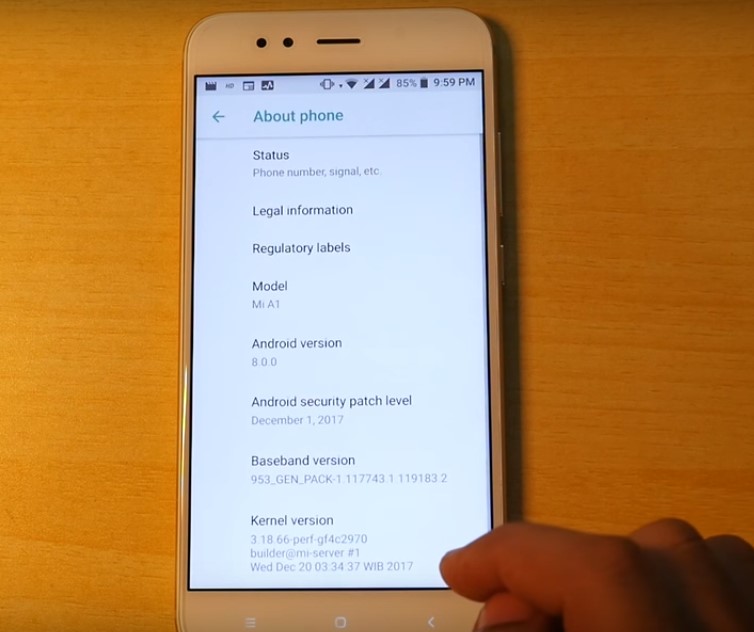
Download Android Oreo on Xiaomi Mi A1: We all know that the Android Oreo is the latest version of Android from Google. And as promised by Google and Xiaomi, Android Oreo has arrived before the end of 2017. Yes, now you can download, flash and install the android 0 8.0 oreo on Xiaomi mi a1.
Download Android Oreo on Xiaomi Mi A1 – Android One
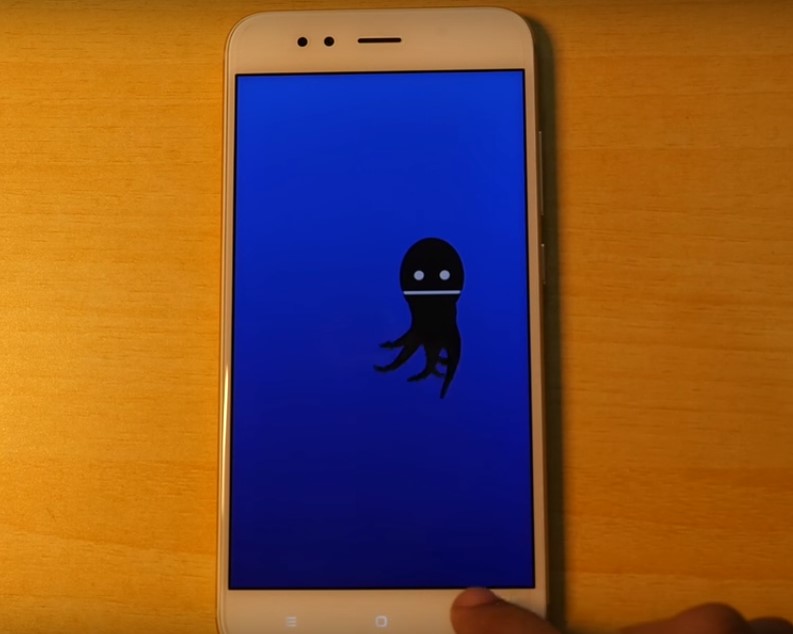
Installing the android oreo on mi a1 is an easy process. You just have to follow all the steps carefully and the android oreo will be installed on your android one.
Requirements for installing Android Oreo on Mi A1
- Booltoader must be unlocked on mi a1 for installing the android oreo ROM on mi a1. I have made a detailed guide on how to unlock the bootloader on mi a1.
- Backup all the data present in your phone. If anything goes wrong and if you loose data then you can easily restore it back.
- Root is not required. But if you want to root your mi a1 then follow my guide.
Notes:
- TWRP is not required to flash Android Ore on Mi A1.
- This is not a data loss method. But still, I recommend you to make a backup.
Steps to Download Android 8 Oreo on Mi A1
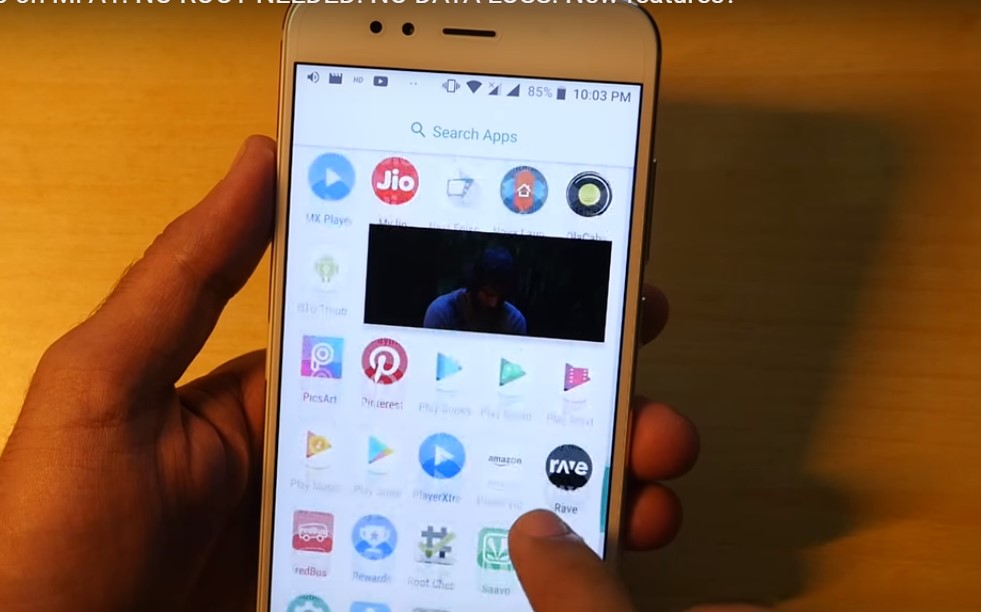
- The first step is to enable OEM unlocking on your device. To do so, go to settings and go to about phone and tap on build number for seven times. This will enable the developers option.
- Go into developers option and enable OEM unlocking and also enable USB debugging.
- Now turn off the mi a1.
- Once the device is completely turned off, press the power button and volume down button until a bunny logo appears on the screen. Now your mi a1 is in fastboot mode.
- Connect your mi a1 to the computer.
- On your PC, you need to download the ZIP file from the downloads area.
- Download and extract the Android Oreo ROM for MI A1.
- Once the ROM is extracted, open the folder.
- Inside the folder, you find the ROM flasher.
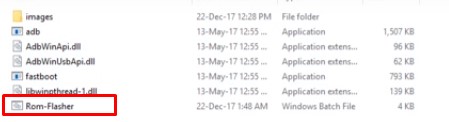
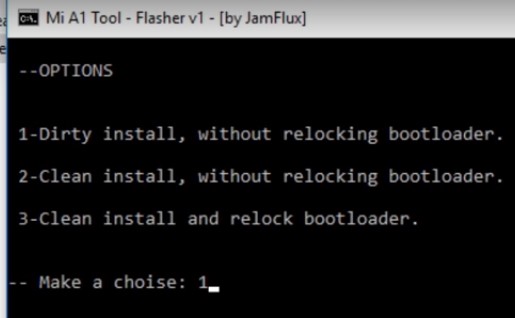
- Open the flasher and you will see a black screen. Hit enter to continue.
- You will see 3 different options. I prefer 1st option because it is a data loss method. The second and third option is a data loss method.
- Select your option and hit enter.
- This process may take about 5 to 20 minutes depending on your PC performance.
Downloads:
Video Tutorial
Final Verdict on Android Oreo on Mi A1
I made this tutorial of android oreo installation on mi a1 as easy as possible. You shall not face any difficulty to install, flash or download android oreo on mi a1. In case you have any doubt then you can let me know in the comments area.
Source: XDA
Leave a Reply