Your Technocrat

  • Home
  • Android Hacks
  • PC Apps
  • Gadgets News
  • Emulators
  • Tools

How To Enable Multi Window In Xiaomi Phones(Custom ROM)

June 24, 2017 by YourTechnoCrat Team Leave a Comment

We all know that we cannot enable the multi window in Xiaomi Phones. I found a simple technique which enables multi-window or split screen in Xiaomi phones. The Xiaomi phones include Redmi Note 3, Note 4, Redmi 3s/Prime, Mi3/4/5, and so on.

I already made a tutorial on floating multi-window for Xiaomi phones, check it here.
Also See: Latest Pixel Launcher

Enable Multi Window In Xiaomi Phones

Video Tutorial1

Video Tutorial2

If you don’t want to follow the video, then follow these steps.

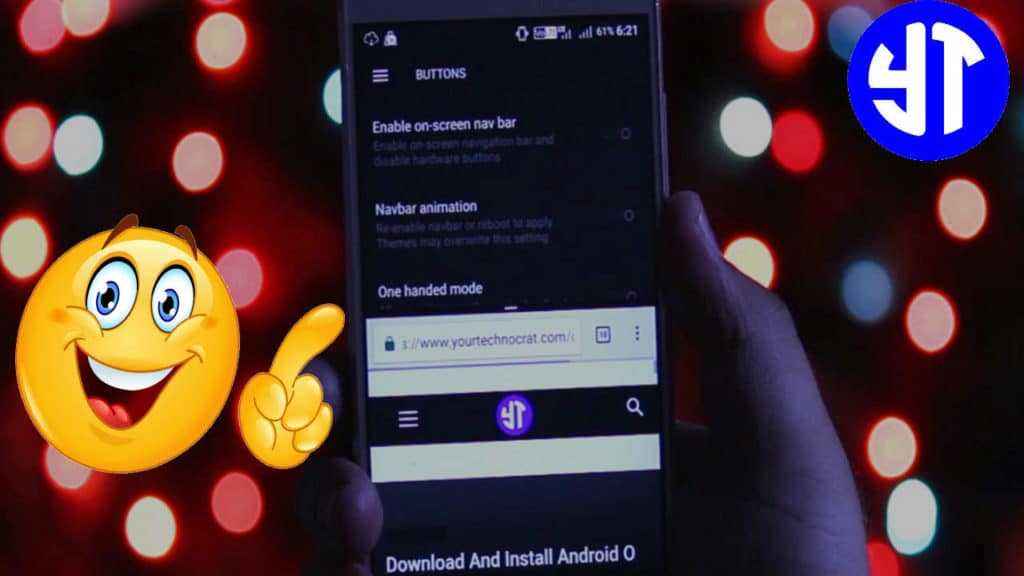
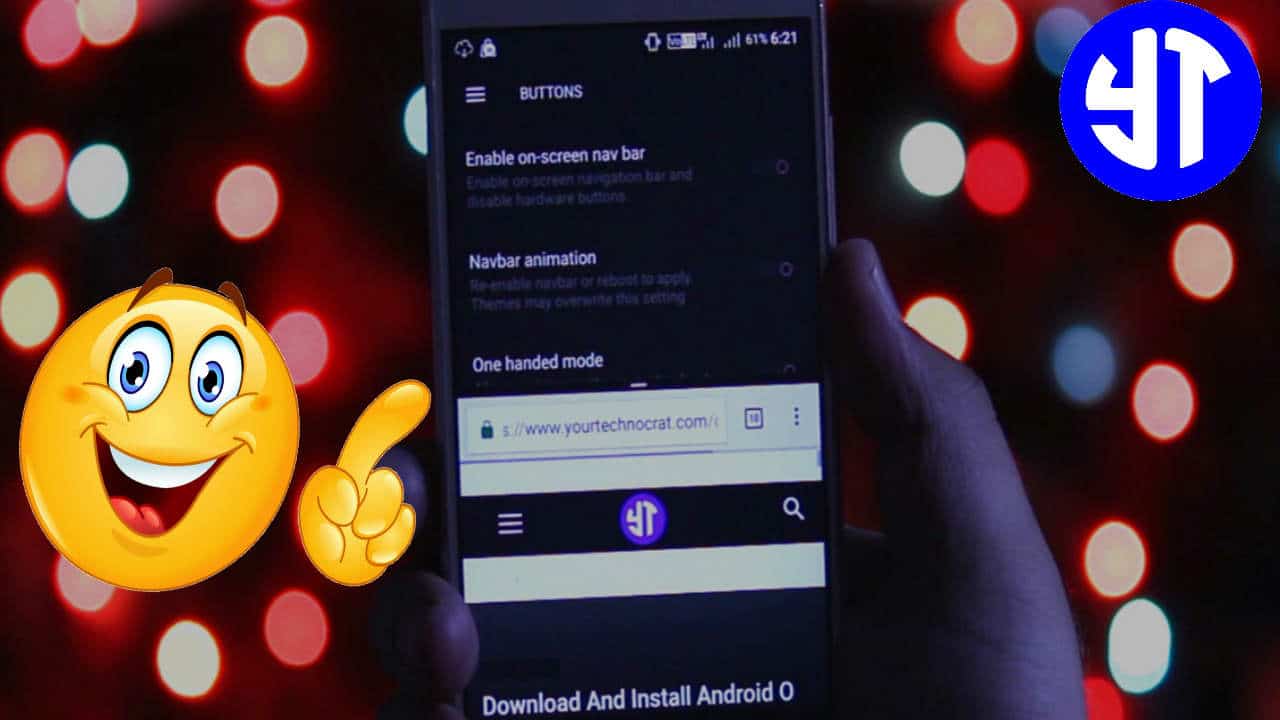
    • As you are running a custom ROM, you can enable on screen buttons.
    • Go to Settings<Buttons and enable on screen keys.
    • This will enable on-screen keys on your Xiaomi phone.
    • Now long press the recent button to access the multi window on your Xiaomi phone.enable-multi-window-xiaomi-phones


Also Check: How to install MIUI 9 on any Xiaomi Phone

Final Verdict:

I have enabled multi-window on my Xiaomi Redmi Note 3 using this method. And it will surely enable multi window in other Xiaomi Phones like Redmi Note4, Redmi 3s, Mi 3/4/5.

Filed Under: Android Hacks

Leave a Reply Cancel reply

Your email address will not be published. Required fields are marked *

Recent Posts

  • FIFISH vs Chasing: The Best Underwater Camera Drone for Creators
  • Importance of Customer Personas In B2C Acquisition
  • How To Compare Auto Insurance Quotes Effectively?
  • Proteger su vida digital: elegir el mejor antivirus para sus necesidades
  • The Integration of Artificial Intelligence in Radiology Software Solutions

Categories

  • Android Hacks
  • Android O 8.0 Oreo
  • Comparison
  • Crypto
  • Custom ROMS
  • Downloads
  • Emulators
  • Gadgets News
  • Lenovo K4 Note
  • PC Apps
  • Redmi 3S/Prime
  • Tips
  • Tools/Drivers
  • Tweaks
  • WhatsApp Tricks

DMCA Protection

DMCA.com Protection Status

Man Behind Your Technocrat

Hi!
My name is Simraan. I am a foodie and techie guy who make tutorials on Gadgets. Also, I cover the latest tweaks on technology from all over the world.

Important Pages

  • About Us
  • Contact Us
  • Privacy Policy

Copyright Notice

All the content here is copyrighted to Your Technocrat. Reproducing the same material without the source is strictly prohibited.

Copyright©2020 by Your Technocrat