Download Linux OS for Android: Android is a powerful platform which helps to customize every single thing. The sky is the limit for the customization tweaks. All these customizations are done because of Kernel in Android OS. The kernel of Android is of “Linux”. “Kali Linux” and “Ubuntu Linux” are the two famous Linux OS. Unfortunately, “Kali Linux and Ubuntu Linux for Android” is not available.
Also Check: WhatsApp Conference Call Feature
LINUX ON ANDROID is a dream for many Android Users. But Kali Linux cannot be downloaded on Android. A developer named Francesco Andreuzzi developed a Linux Emulator for Android. Basically, this is a Linux Launcher for Android.
This Linux Launcher will convert your Android phone into Linux OS. You will see a command prompt on your home screen. This will surely increase the protection of your Android phone.
Also See: IOS Emulator Android
In this article, I will show how to type commands in the terminal window of Linux on Android. There are different commands for actions. This will help you to learn Linux Commands.
Also Check: Amazing Virtual Numbers On Android
You may be worried about Linux tutorial for Android. Do not worry. The developer of this launcher made LINUX Android very easy to use.
Also Check: Lineage OS 15.0(Android O 8.0) ROM
Download Linux Launcher cum Emulator On Your Android
-
- Navigate to the download section and install the LINUX Launcher cum Emulator On Android.
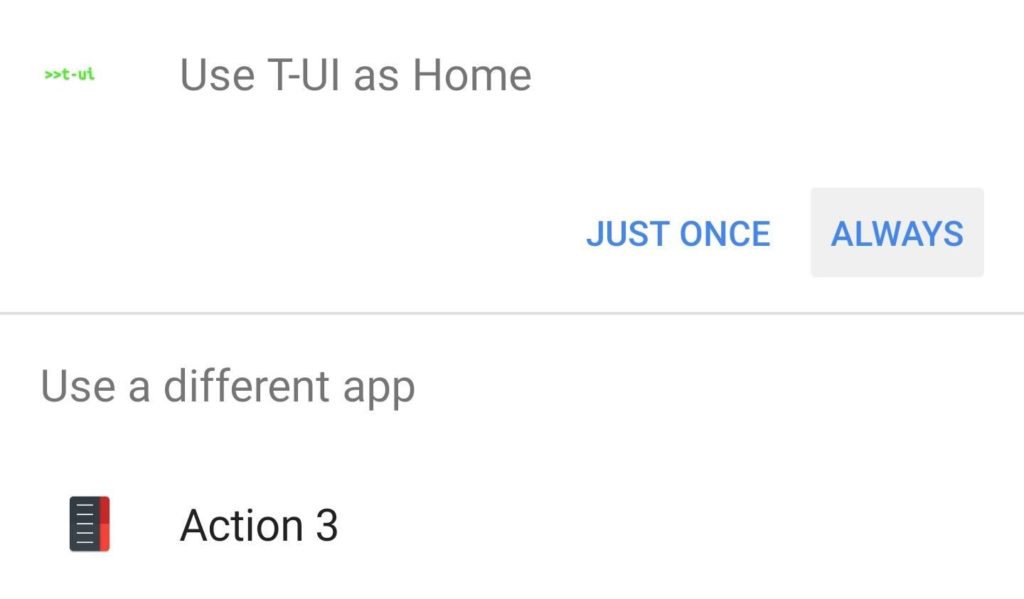
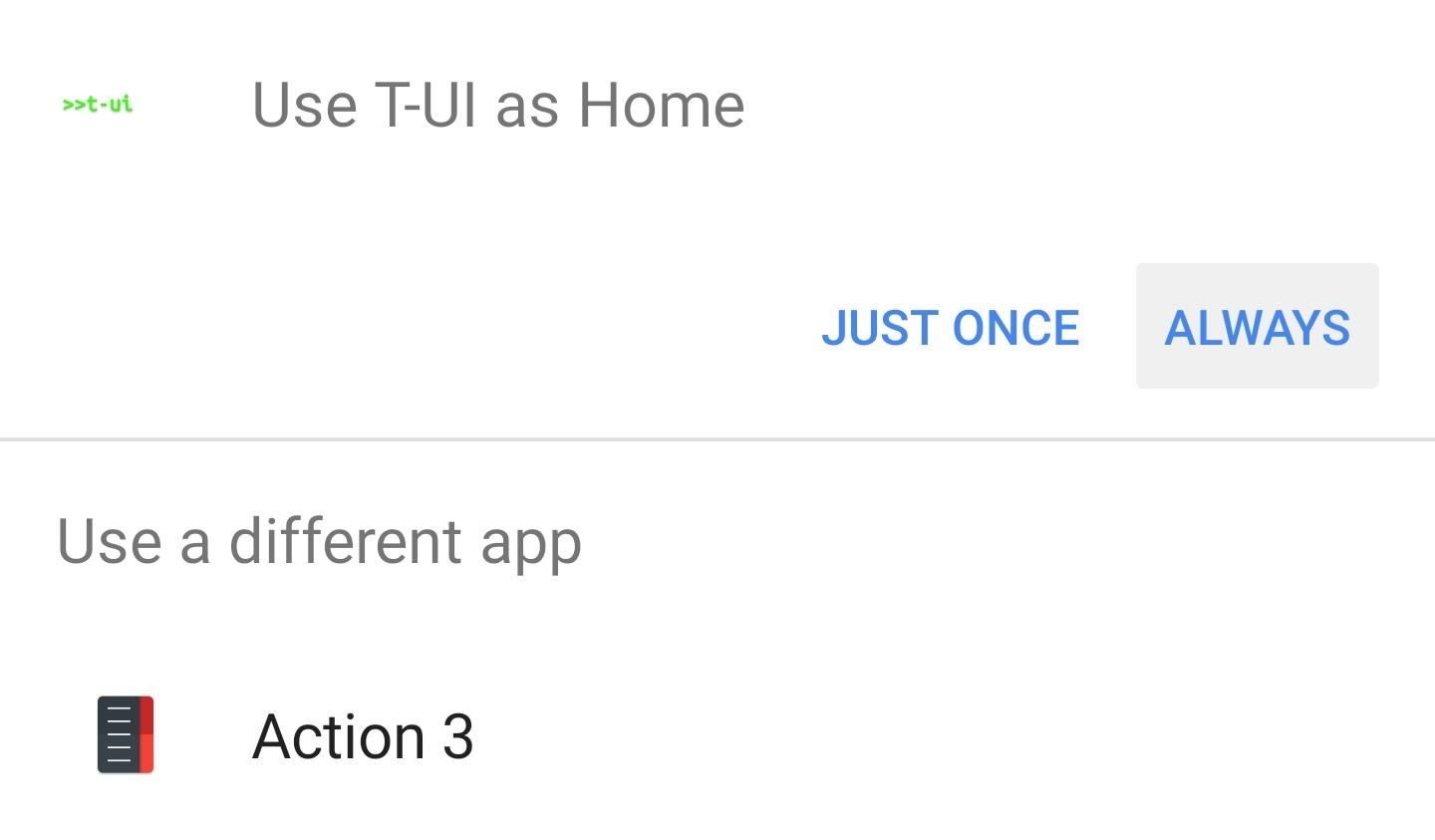
- Once your download “Linux on Android” set this as your default launcher.
-
- Now you will see a small Linux tutorial on Android screen. Make sure to follow and learn the Linux commands.
- If you need help with any command then simply type “help” on the home screen.
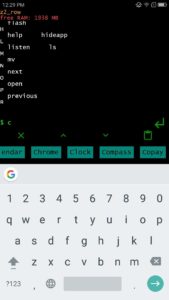
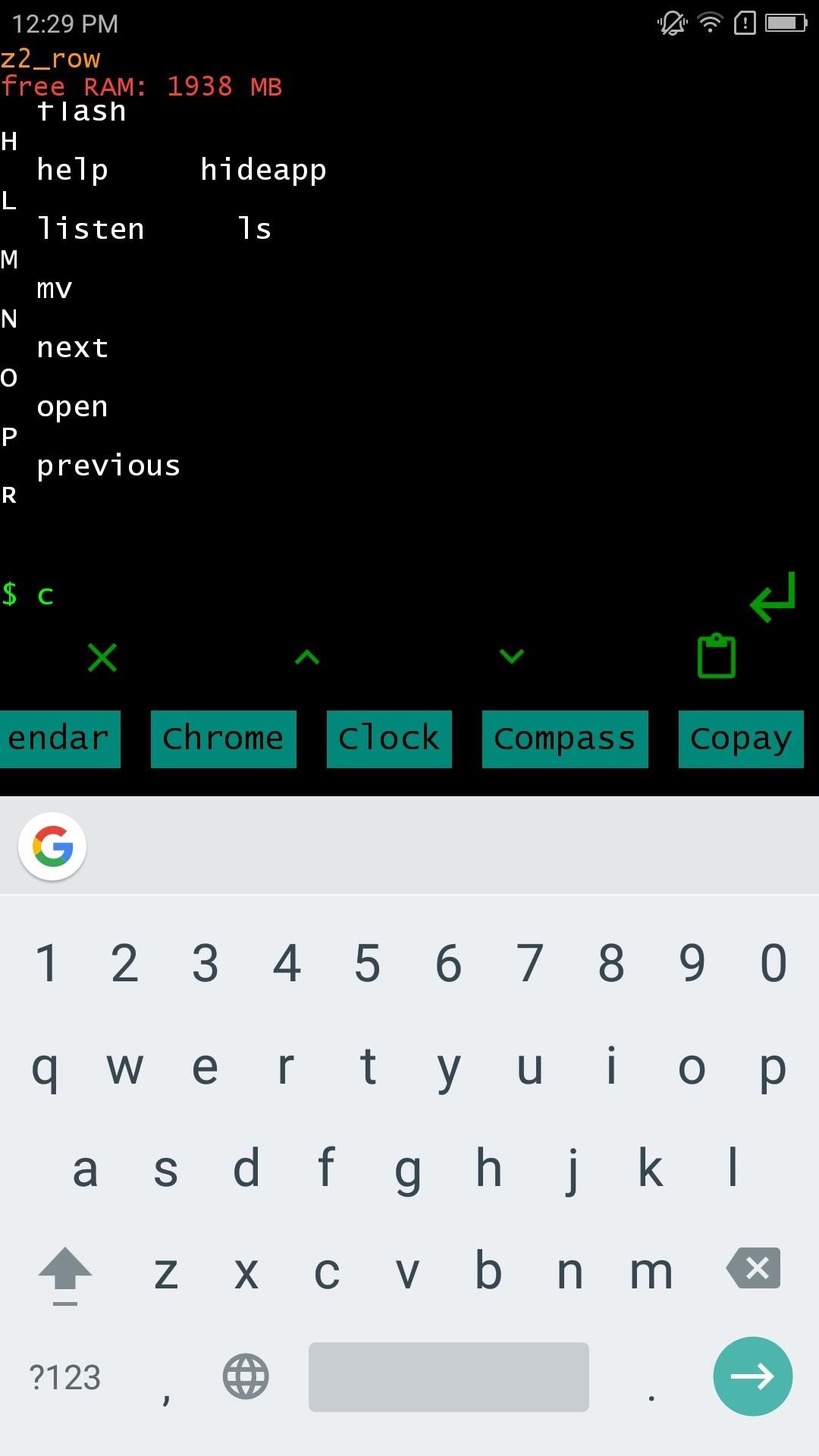
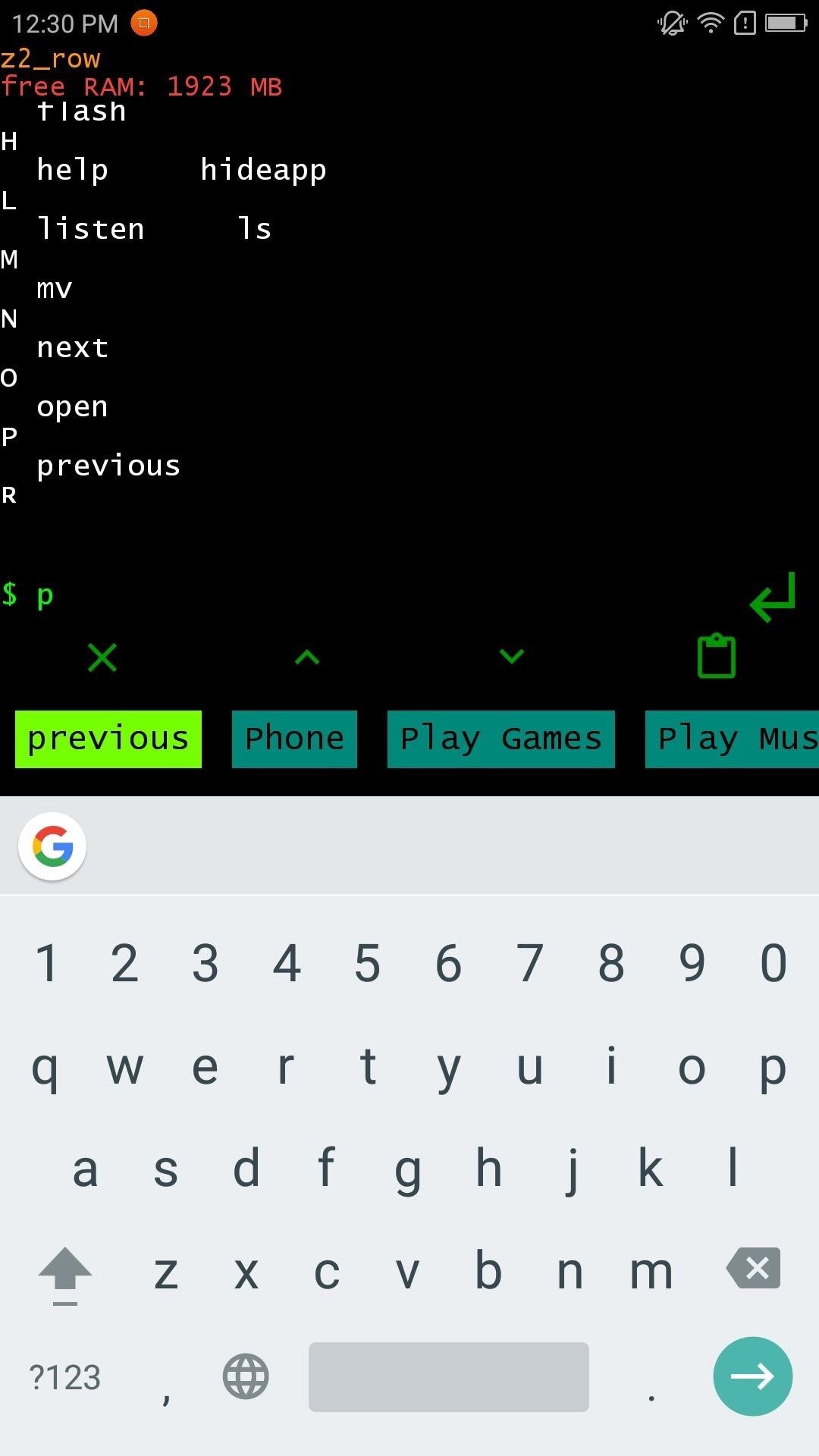
- Type any word and the word with that application will pop up. Example: To open Chrome, type C and it will give suggestions for chrome. Click on it and it will open up the Chrome browser. In a similar way, you can open any other application.
- Calling someone is also easy, just type “call” followed by contact name. Example: Call Dad
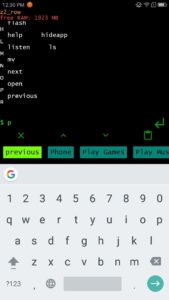
- To uninstall any particular app, type “uninstall App-name”. This will do your job.
Also Check: How to hide apps on Android
Downloads:
How To Uninstall LINUX On Android
Uninstalling Linux from Android is very easy. Open up the play store and look for this application and uninstall it.
Also See: Animated Cool Wallpapers For Android
Final Verdict:
This is by far the best way to use LINUX OS on your Android phone. I hope you liked this “Linux OS for Android”.
As of now “Kali Linux for Android” is not available. Whenever Kali Linux for Android is available, I’ll make Kali Linux tutorial for android. So subscribe to our blog and keep coming back for more awesome tutorials like this.
Try this application and show off among your friends. Later share this post among friends and family.
Source: Gadget Hacks
Leave a Reply