Google Now Card Is Now Integrated into Nova Launcher: Most of us like the Google Now cards from the Google Launcher. “Google Now Launcher” is not present in the play store anymore. However, Google provided the API of Google Now Cards. Recently Pixel Launcher integrated the Google Now Cards in it. Now Nova Launcher has integrated the Google Now Cards in it. Follow the simple steps and “enable the Google Now cards on your Nova Launcher”.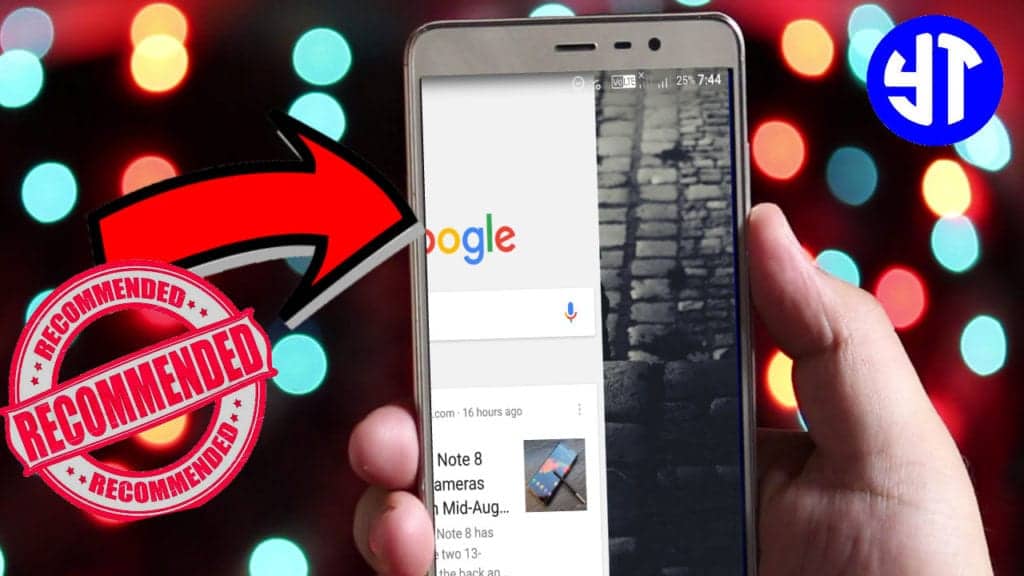
Nova Launcher has never left behind in providing the latest customizations. Always it is the first Android Launcher to provide the updated amazing tweaks. This time Nova Launcher have developed a Nova Google Companion. This Nova Google Companion will provide the Google Now Cards on your Nova Launcher.
Also See: Latest Updated Pixel Launcher
Requirements:
Your Android phone should be running on Android M 6.0 Marshmallow and above. This method will not work on Android L 5.0 Lollipop and below.
Enable Google Now Cards In Nova Launcher
As of today, Google Now Cards are available only in the Beta Version of Nova launcher. So you need the Nova Launcher Beta APK. You can enroll yourself for the Nova Launcher Beta Application from here-Become Nova Launcher Beta Tester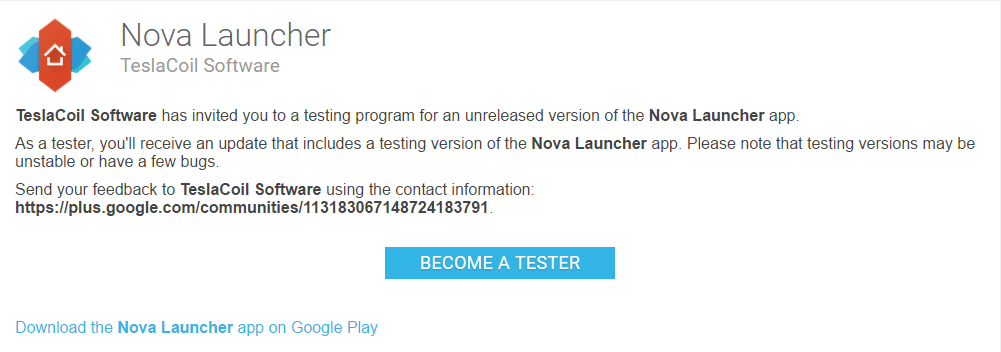 .
How To Get Google Now Cards On The Nova Launcher Of Your Android
- The first step is to download the Nova Launcher from the play store.
- Now download the Nova Launcher Beta Version 5.3 and above. Download it from the download section or enroll yourself for Nova Launcher Beta Version from the play store.
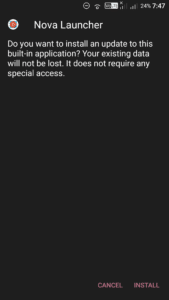
- Make Nova Launcher as the default launcher for your Android Operating System.
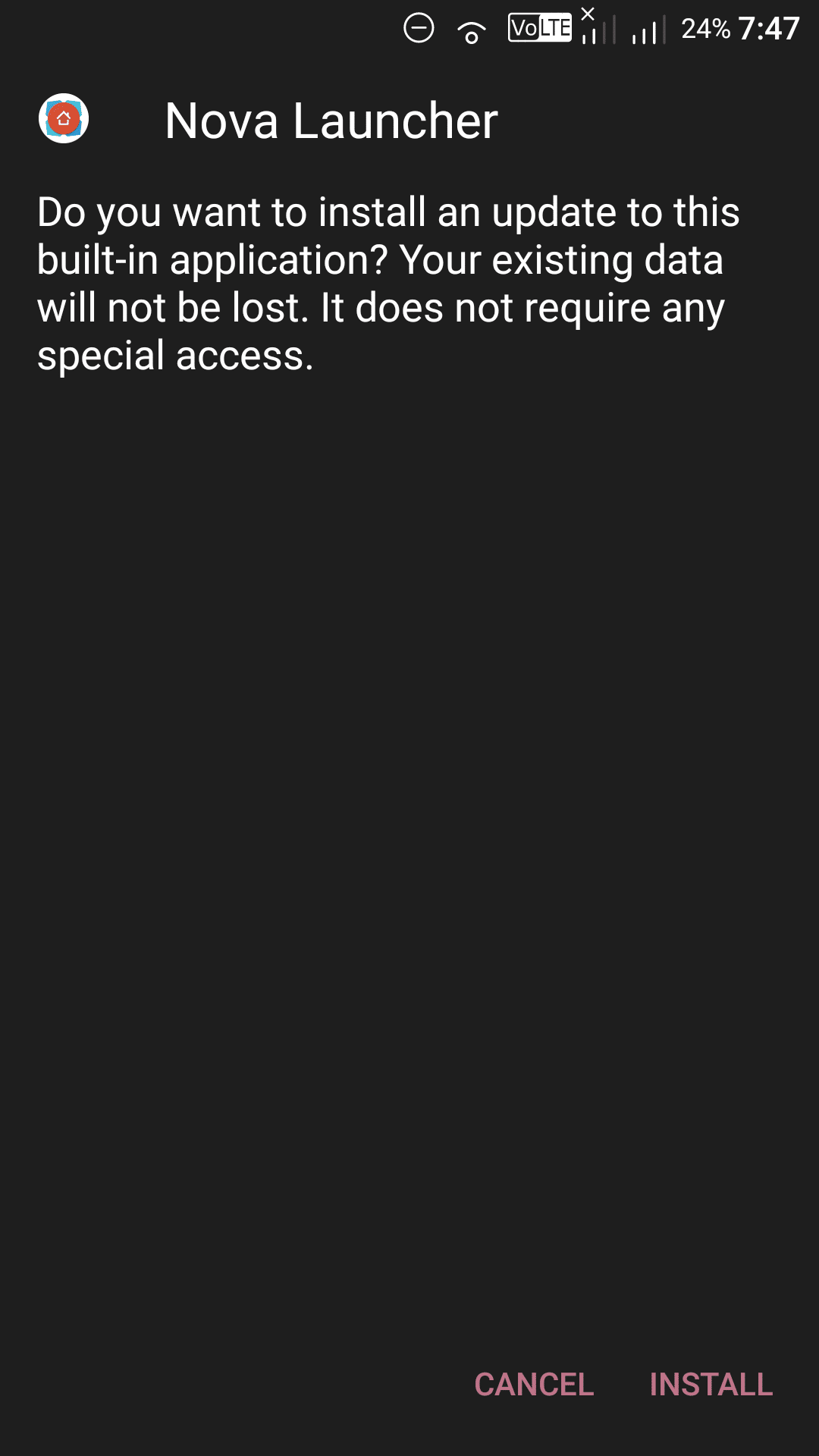
- Once you do that, you need to get the Nova Google Companion from the below downloads section.
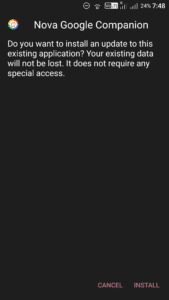
- Before installing the Nova Google Companion, make sure to Allow the Unknown Sources from the Settings and Security tab.
Also See: IOS Emulator Android - After you install the Nova Google Companion, you will see a popup. Just tap on “Allow” or “OK” on that popup.

- Once you are on the home screen of Nova launcher, swipe left to access the Google Now Cards.
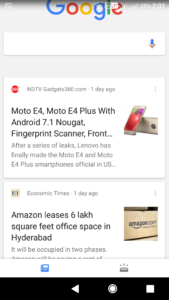
- In this way, you can access the latest Google Now Cards on your Nova Launcher.
Also See: Sonic The HedgeHog Games


Downloads:
Video Tutorial:
Final Verdict:
I have quickly tested this Google Now Cards on Nova Launcher. And these Google Cards are working fine on my Nova Launcher. Though we will miss the Google Now Launcher, Nova Launcher will definitely beat all other launchers on the play store.
Also See: Cool Websites To Visit Before You Die
I always try to bring this kind of latest tweaks on Android Tips & Tricks. Subscribe to our blog and don’t forget to share this post on Social Media. Because sharing is caring 🙂
Leave a Reply