Get Android O 8.0 Oreo On Xiaomi Phones
“Android O 8.0 Oreo” is finally out in the form of developers preview. But the sad part is, Android O 8.0 Oreo is available only for Nexus and Pixel devices.Then what about Android O for Xiaomi devices? Do not worry, you can enjoy the Android O look, feel and UI on your Xiaomi phones too. Basically, there are two methods to get Android O 8.0 Oreo Look on Xiaomi devices. The 1st method uses the inbuilt theme manager on Xiaomi phones to get the Android O 8.0 Look & Feel. The 2nd method uses the launcher manager of Xiaomi phones. If you wish to get the Android O Features on your Xioami phones then click here to get almost all the features of Android O.
Note: I am not providing the Custom ROM of Android O for Xiaomi devices like Redmi Note 4, Redmi Note 3, Redmi 3s, etc. Basically, I am providing the theme of Android O 8.0 Oreo for you Xiaomi Phones.
Also Checkout: Get Android O Bootanimation on any android phone.
The First Method To Get Android O 8.0 Oreo Look On Xiaomi phones.
- On your Xiaomi Phone, open the theme manager.
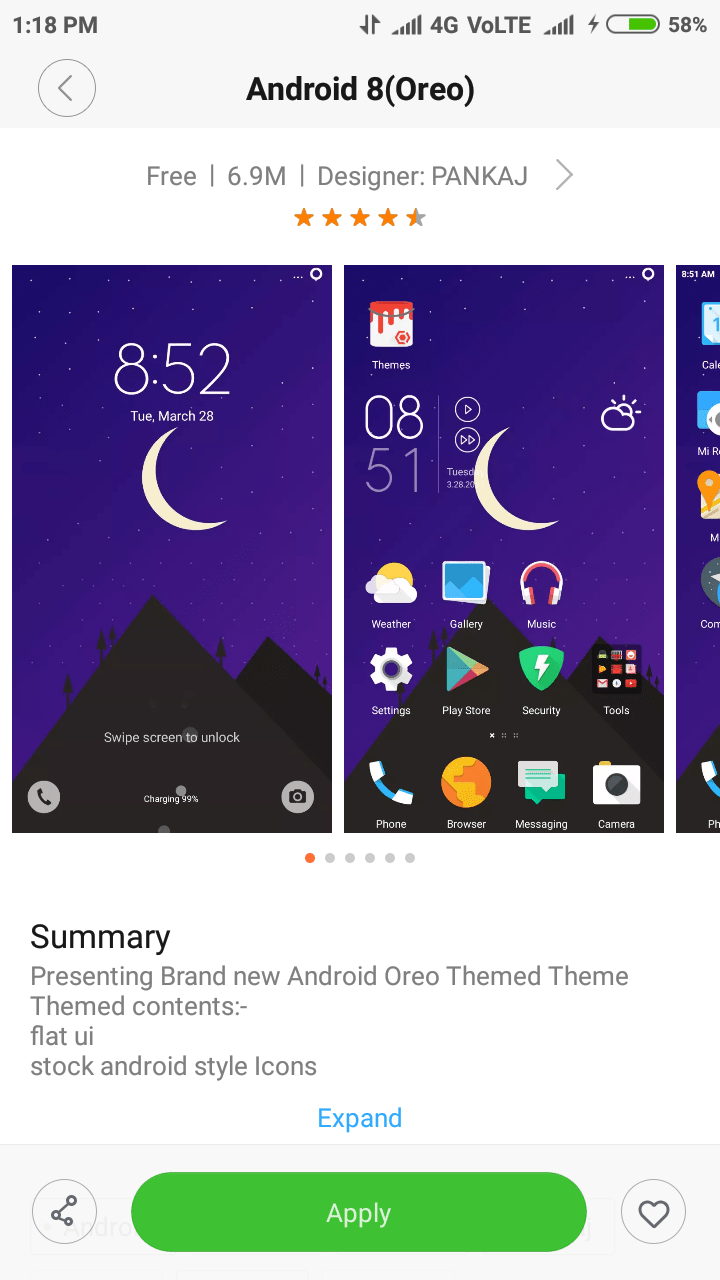
- In Theme Manager, search for Android O 8.0 Oreo.
- Select the Android O 8.0 theme.
- At the bottom, click on download.
- Once the download of Android O 8.0 Oreo is completed, click on Apply.
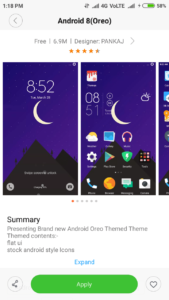
- Wait for few moments, UI of Xiaomi phones will restart and you can enjoy the Android O 8.0 Oreo theme.
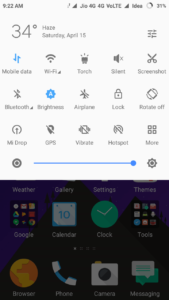
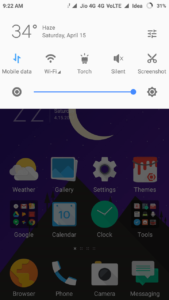
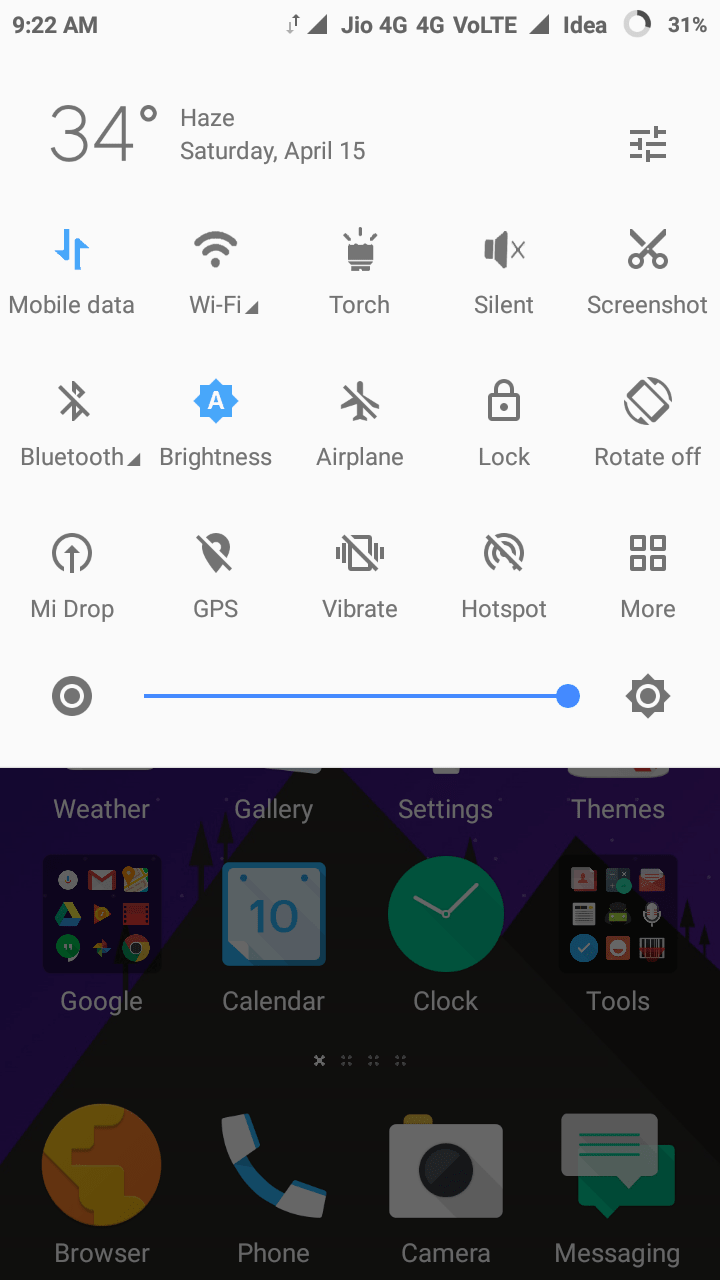
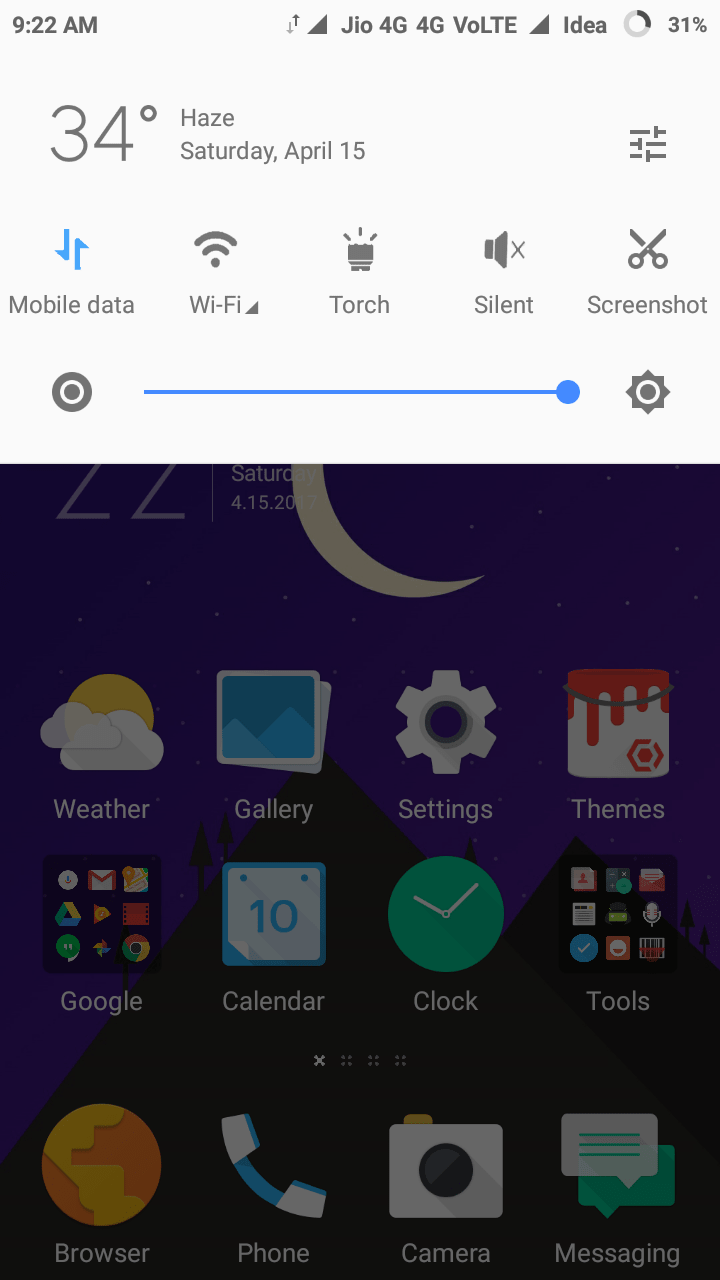
Features of Android O 8 Theme On Xiaomi Phones:
- Android O Dialer Pad.
- Android O Notification Center.
- Android O Quick Reply.
- Android O Settings.
- Android O Icons Pack.
Also Checkout: Why You Should Not Buy Redmi Note 4
The Second Method To Get Android O 8.0 Oreo Look On Xiaomi Phones.
- For this method to work you need to download the Android O Pixel Launcher from here.
- On your Xiaomi phone, go to Settings< Security. Enable the unknown sources for installing the application other than play store. Android O 8.0 Oreo launcher is not available on the play store, so you need to enable the unkown sources.
- Download and install the Android O 8.0 Pixel launcher on your Xiaomi Phone.
- This Android O Pixel Launcher is exactly similar to that of previous pixel launcher but it has some additional functionalities.
Final Verdict:
It may take some time for developers to develop Android O Custom ROM for Xiaomi Phones like “Redmi Note 3, Redmi Note 4, Redmi 3S/Prime”. Until that time, enjoy Android O theme on your Xiaomi Phones. By the way, the list of Android Phones to get Android O is out, check here, if your device is eligible for Android O update.
Leave a Reply