Table of Contents
How To Enable Android O 8.0 Oreo Look & Feel on Your Android?
Google has launched Android O 8.0 Oreo developer preview update for some of the devices like Pixel, Pixel Xl, Nexus 6P, etc. List of devices to get Android O 8.0 Oreo is out, you can check and verify if your device is eligible to get Android O 8.0 Oreo update. Many of the devices will get Android O 8.0 Oreo Update in end of 2017. So, I have done extensive research and found some tweaks which help you to get the “Android O features on any android phone or tablet”. You can get the complete look and feel of Android O 8.0 Oreo on your android. Follow my simple tricks and enable the android o 8.0 oreo features on any android phone on this planet.
Also See: IOS Emulator Android
I also recommend you to install the Android O Pixel Launcher to get the complete look and feel of Android O 8.0 Oreo on any smartphone.
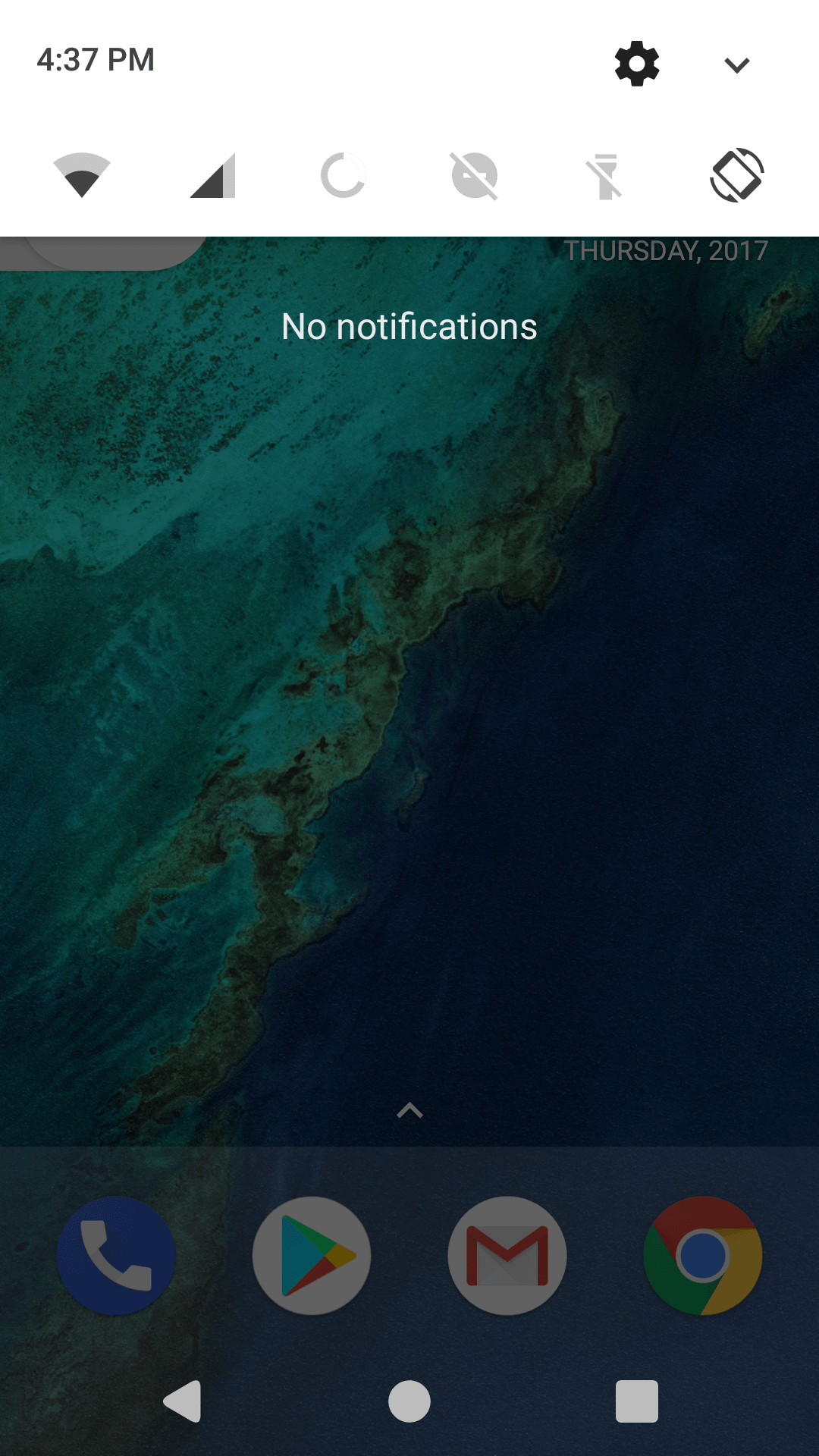
Android O Features That You Will Get On Any Android:
- Android O Quick Toggles.
- Android O Notification Pannel.
- Android O Settings.
- Android O keyboard
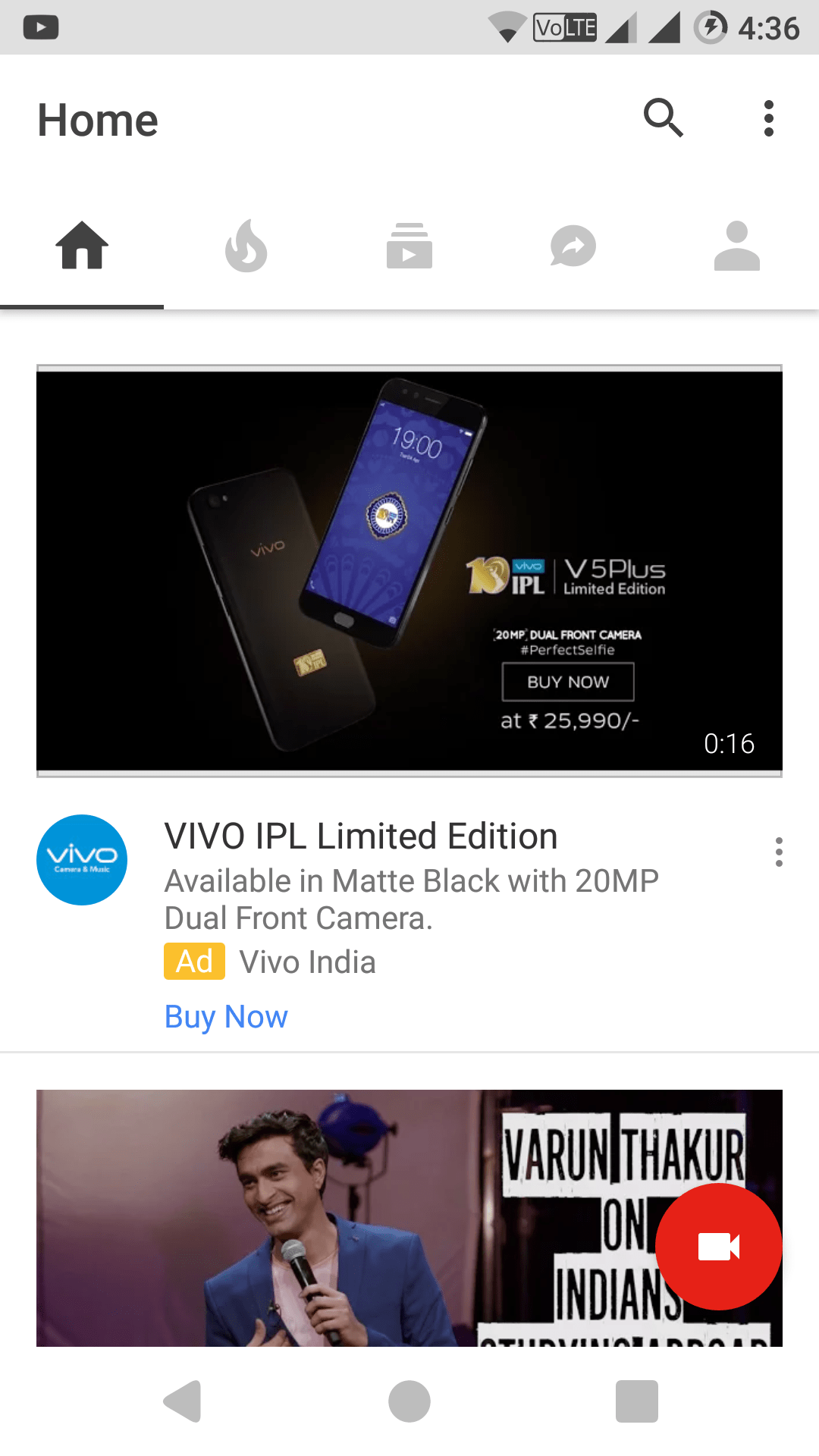
- Android O Navbar.
- Android O Dialer.
- Android O Calculator.
Also See: Cool & Interesting Websites To Visit Before You Die
.
Also Check: How to enable WhatsApp Conference Calls
Requirements:
-
- Your device must be rooted.
- Your device must have custom ROM installed. I am using Xenon HD Android N 7.1.1 based Custom ROM on my Redmi Note 3.
Downloads:
Also Check: Lineage OS 15.0(Android O 8.0) ROM
Video Tutorial:
Steps For Getting Android O Features On Android
- On your android phone, go to Settings<Security and enable the unknown sources. This helps you to install the apps outside the play store.
- Download both the apps from the above downloads section. First, install substratum app and then install Android O Overlay app.
Also Check: Amazing Virtual Numbers On Android - After the installation of both the applications is completed, you may not be able to open android o overlay app. So, open Substratum app and you will android o overlay to be present here. Open it and enable “select to toggle all overlay” and then at the bottom select build and enable.
- Wait for about two minutes and restart your phone for the changes to come into action.
- Congratulations! You have successfully installed android O features on your Android
Final Verdict:
I have used substratum and android O overlay applications on my Redmi Note 3. “Android O features” are working pretty well. The only condition for this method to work is that your device must be running any custom ROM. I am using Android N 7.1.1 custom ROM on my Redmi Note 3. If you also install any custom ROM, you can enjoy the Android O features on any android smartphone or tablet.
Leave a Reply