Download, Install and Flash Android O 8.0 Oreo on Xiomi Redmi Note 3: Hello Redmi Note 3 users, after waiting for a long time, finally Android O 8.0 Oreo is available for Xiaomi Redmi Note 3. Android Oreo has got many new advancements and improvements in Redmi Note 3. A few days back, I made a guide to install Android Oreo in MI 3 and MI 4.In this article, you will learn the easiest method to get Android O 8.0 Oreo in Xiaomi Redmi Note 3.
Also Check: MIUI 9 GIF Wallpaper
Table of Contents
Why install Android O 8.0 Oreo on Redmi Note 3?
Android O 8.0 Oreo is the latest firmware from Google. And Google has officially revealed the source code of Android O. Some of the developers have developed this Android Oreo Custom ROM for Redmi Note 3. And I am sure that you will love this Android Oreo ROM.
By far, this is the best Custom ROM for Xiaomi Redmi Note 3.
Requirements:
- Xiaomi Redmi Note 3 should have unlocked the bootloader officially. This is very important to install Android Oreo on Redmi Note 3.
- Xiaomi Redmi Note 3 must have a custom recovery TWRP. With the help of TWRP, you can easily flash the custom ROM on your Redmi Note 3.
Also Check: WhatsApp Conference Call
Download Android O 8.0 Oreo on Redmi Note 3
- Make sure that you have all the requirements and then proceed with the following steps.
- The very first thing is to go the downloads area of this page and download the Android Oreo Custom ROM along with G App. G apps are very much important. If G Apps are not present, then you cannot enjoy the play store or any other service from Google.
- Make sure to save the downloads folder in your SD Card. And turn off your phone.
- Now boot your Xiaomi Redmi Note 3 into the recovery mode TWRP. Press the Power key and Volume Up button to boot into the TWRP Mode.
Also Check: Virtual Numbers on Redmi Note 3 - Once, your phone is in the TWRP recovery, the first step is to clear the cache.
- Go to Wipe and select advanced Wipe. Select Internal Storage, Dalvik, Data, and Cache. Now flash it to wipe.
- From the home screen, click on install and select the downloaded ROM and then flash it.
- In the same way, flash the G Apps.
- Once you have successfully flashed the Android Oreo ROM and G App, hit on Reboot system.
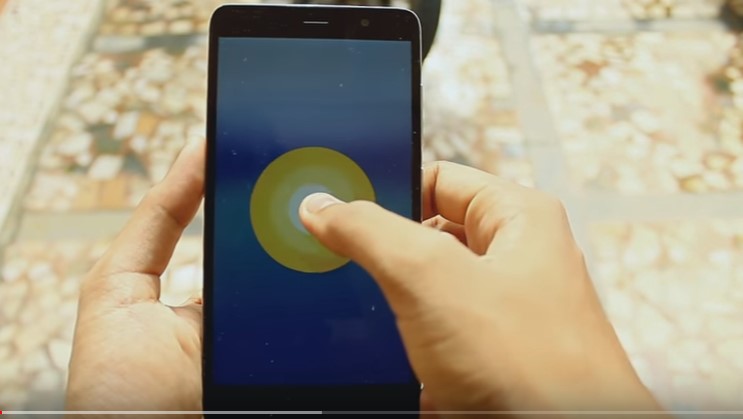
- Now, you will be greeted with Android Oreo Screen.
- Go through the basic setup and enjoy Android O 8.0 Oreo on Xiaomi Redmi Note 3.
Pros & Cons of Android O on Redmi Note 3
There are few things which are not working on this custom ROM. And I hope all the issues will be fixed very soon.
Cons of this Custom ROM
- Wifi Hostpost is not working.
- VOLTE is not working. If you stay in India and you are a JIO user then JIO will not work. In future updates, this issue can be fixed.
Also Check: Android Oreo Superhero Wallpaper Download
Pros:
- Bluetooth is working fine.
- Fingerprint sensor does not work all the time.
- GPS, Flashlight, and Camera are working superbly.
- IR blaster also works well.
Also Check: How to enable split screen in Xiaomi Phones
Video Tutorial:
Downloads:
Android Oreo ROM
Also Check: Twitter GIF Downloader
Final Verdict:
This was the simple guide on how to download and install Android O 8.0 Oreo in Xiaomi Redmi Note 3. As the ROM is in its early stages, I don’t recommend you to use it for daily purpose. But if you cannot hold your horses for Android Oreo then go ahead and flash Android O 8.0 Oreo in Xiaomi Redmi Note 3.
Other Xiaomi Phones like Redmi Note 4, Redmi 4/4S Redmi 3S/Prime may receive the Android Oreo Update soon. Stay tuned for that and subscribe to our blog to receive the latest tweaks.
Leave a Reply