MIUI 9 Look, Feel and features on any Android: MIUI 9 is officially launched by Xiaomi. It is working absolutely fantastic in many Xiaomi Phones including Redmi Note 4/4x and MI 6. But some of the Xiaomi Phones are deprived of using MIUI 9 on their Android. It will take some time for the global beta MIUI 9 to be available for all the Xiaomi Phones. And also all the other Non-Xiaomi Phones will never get MIUI 9. Hence, I am back with this guide on how to get MIUI 9 Features on any Android.
Get MIUI 9 Look, Feel & Features on any Android
MIUI 9 has some very cool features. The new extra ordinary features have been added in MIUI 9. It includes Image Search, Smart Assistant, Multi Window and Smart Launcher. It is not possible to get all these features of MIUI 9 onto your Android. But you can get the look and feel of MIUI 9 on your Android.
Also Check: How to Install MIUI 9 ROM on any Xiaomi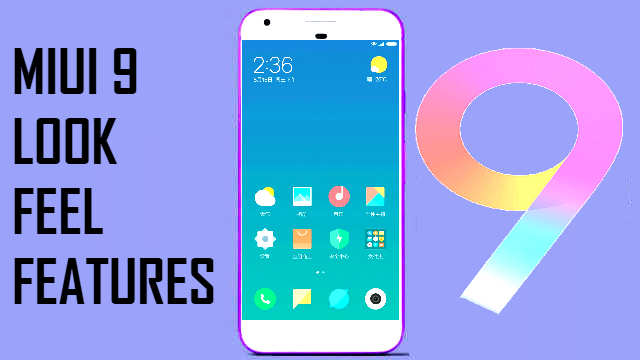
Pre-requisites
- If you have a Xiaomi Phone then your phone should be running on MIUI 8 Lollipop or Marshmallow.
- If you have Non-Xiaomi Android Phone then your phone should be running on Android Lollipop or Marshmallow or Nougat.
- Root Access is not required to get these MIUI 9 Features on Android.
#1st Feature
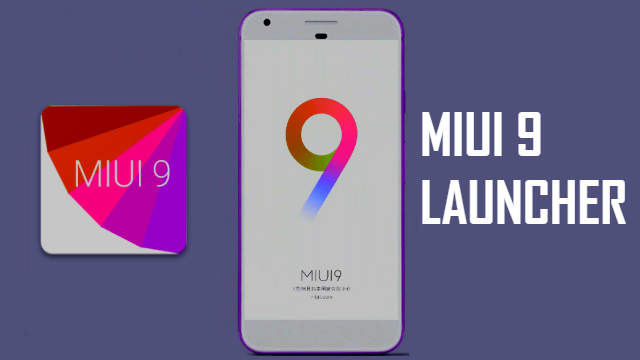
MIUI 9 Launcher: You just need to download the apk file MIUI 9 launcher from here. Once you download and install MIUI 9 launcher, set MIUI 9 launcher as the default home launcher. It gives you the user interface of MIUI 9 on your Android.
Also Check: IOS Emulator 4 Android
#2nd Feature

MIUI 9 Stock Wallpaper: MIUI 9 is launched with a new set of Wallpapers. The wallpapers are amazing and worth a try. You can download the MIUI 9 Stock Wallpapers from here. It contains a ZIP file which has to be extracted after the completion of the download. You can use ES File Explorer from the play store to extract the MIUI 9 Wallpaper ZIP file.
#3rd Feature
MIUI 9 Icon pack: New MIUI 9 has rounded ICON pack which is absolutely amazing. The icon pack of MIUI 9 is unique and different from everyone else. You will surely love this MIUI 9 Icon Pack. Download the Icon pack from here. MIUI 9 Icon Pack works with any Launcher of the play store.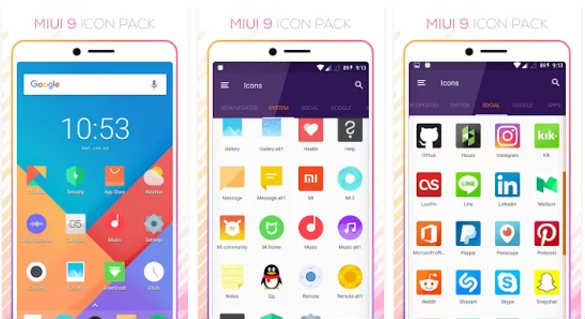
Final Verdict
This was a very simple guide to get the Look, Feel and Features of MIUI 9 on any Android Phone. After downloading all the applications, you will get MIUI 9 launcher, MIUI 9 Wallpapers and MIUI 9 Icon pack on your Android Phone. If you face any difficulty with any of the steps then let me know in the comments section. I will help you with the best solution. Also, subscribe to my blog to be the first to get latest tweaks on Tips & Tricks.
Leave a Reply