Android Oreo is announced officially by Google. It has many new improvements. One of the new features is added in Google Dialer. You can see a floating bubble on the new Google Phone app. The Google Dialer update was available only for Nexus and Pixel devices. But now it is available for every Android device. You can be the first person to get the Android O features.
The Google Dialer update was available only for Nexus and Pixel devices. But now it is available for every Android device.
Also Check: Twitter GIf Downloader
In this article, you will learn how to enable the bubble feature of Google Dialer on your Android Phone.
What is the Floating Bubble of Google Dialer?
Basically, it is a new feature add in Google Phone app. It helps you to do multi tasking while doing a phone call.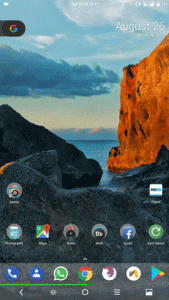
The floating bubble is very handy and it allows you to hold the call, place the call on speaker, mute the call and much more. You can place the floating bubble anywhere on the screen. Is it not a great feature from Google? Let me know your opinion on the Floating Bubble of Google Dialer.
Also Check: How to recover permanently deleted emails
Prerequisite:
- Your phone should be running on Android M 6.0 Marshmallow or above for this method to work. If you are on Android L 5.0 Lollipop or below, you cannot enable the floating bubble of Google Phone App.
How to enable Bubble Feature in Google Dialer
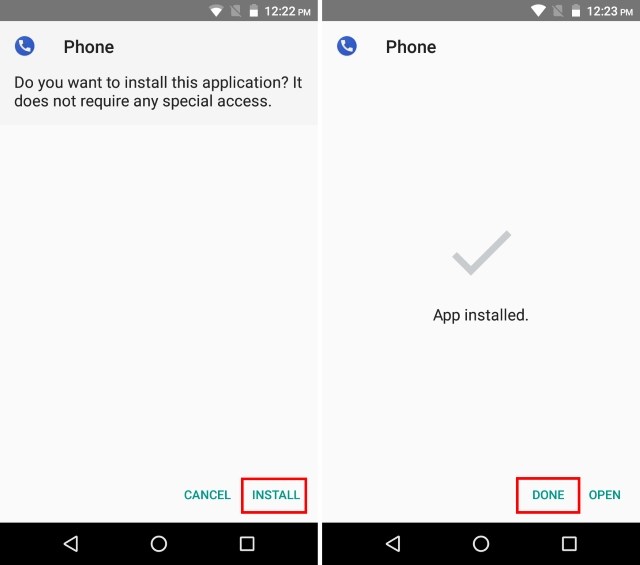
- To get this feature on your Android, you need to download the latest apk of Google Phone Dialer from the downloads area of this page.
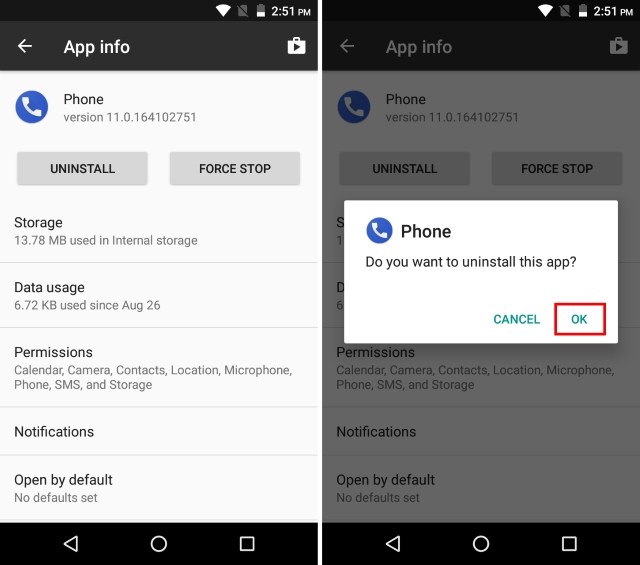
- If you already have an application of Google Phone then go to Settings<Apps and uninstall it.
- Now make sure that you are running the latest version of dialer app and it is the default app for making calls.
- It is done now!Congratulations for activating the Bubble Feature in Google Dialer App.
Also Check: WhatsApp Conference Calls
Downloads:
Google Phone
Final Verdict:
By far this is the method to activate the bubble feature in Google Dialer App. You can also add the Android Oreo Superhero Wallpaper along with Android Oreo Launcher to make your Android Look like Android O 8.0 Oreo.
If you find this article to be helpful and useful then share it with your friends on social media site.
Source: Beebom
Leave a Reply