Xiaomi Mi A1: 10 Best Tips & Tricks(Hidden features) Xiaomi Mi A1-Android One is a great device that Xiaomi has ever made till date. It is considered as an experimental phone which is a collaboration of Xiaomi and Google. The hardware on the phone is by Xiaomi while the software is by Google. In this article, I present some of the amazing tips & tricks of Xiaomi Mi A1 that you may not know.
I also recommend you to check the reasons to buy Mi A1, Problems of Mi A1 and dual camera review of Mi A1.
1.Fingerprint Gestures
You can use your fingerprint sensor for gestures.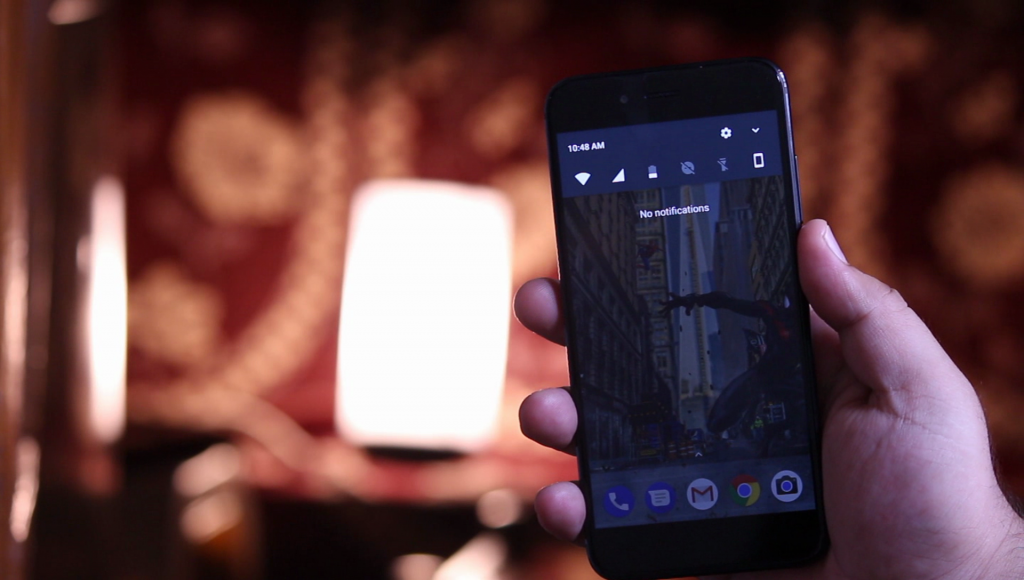
On your fingerprint sensor, just swipe down to open the quick toggles and again swipe down to open the Quick Tiles.
Also Check: Mind Blowing Facts of Mi A1
Swipe up to return to the home screen.
It is very easy to unlock the bootloader of Mi A1. And you can root Mi A1 without TWRP.
2.Multi Window
As the Mi A1 runs on stock Android based on Android Nougat, it supports multi-window.
To access the multi-window, open any app, long press the recent button to access the multi-window.
Also See: How to Install Official Android Oreo on Mi A1
You can also use multi-window between the different tabs of Google Chrome Browser.
Also See: How to Root Mi A1 without TWRP
3.Google Now Cards
Swipe left to access the Google Now Cards. You can easily disable it by long pressing the home screen, settings, turn off the cards.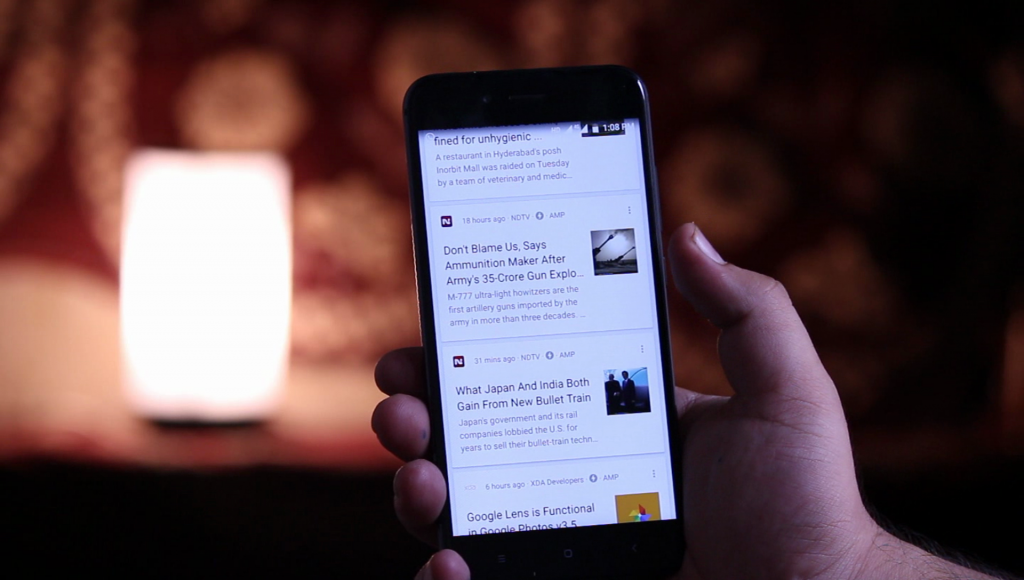 Also Check: Mi Basic In-Ear Headphones
4.Google Assistant
You can long press the home button or just say “Ok Google” to activate the Google Assistant on your Mi A1.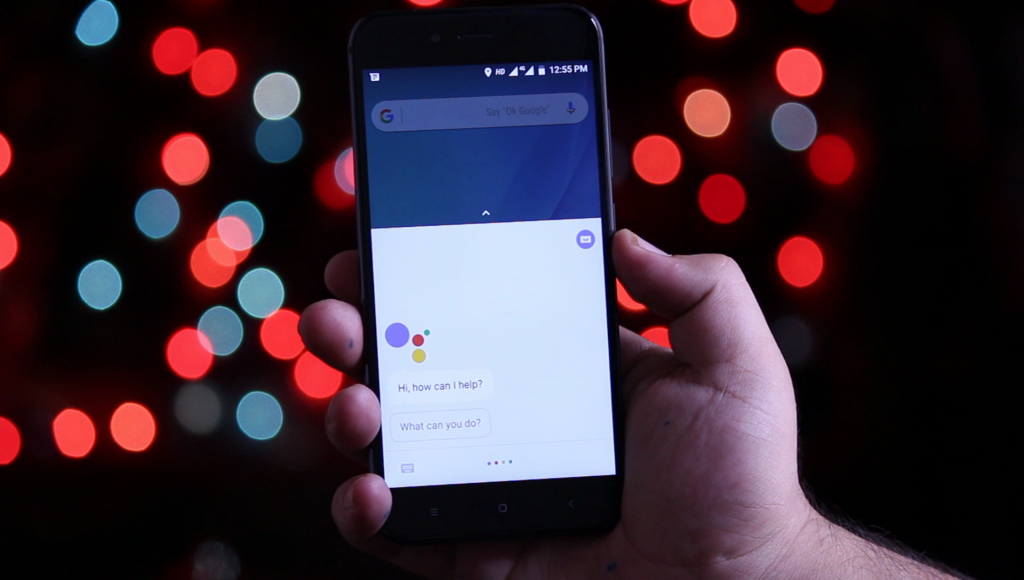
5.Notification LED
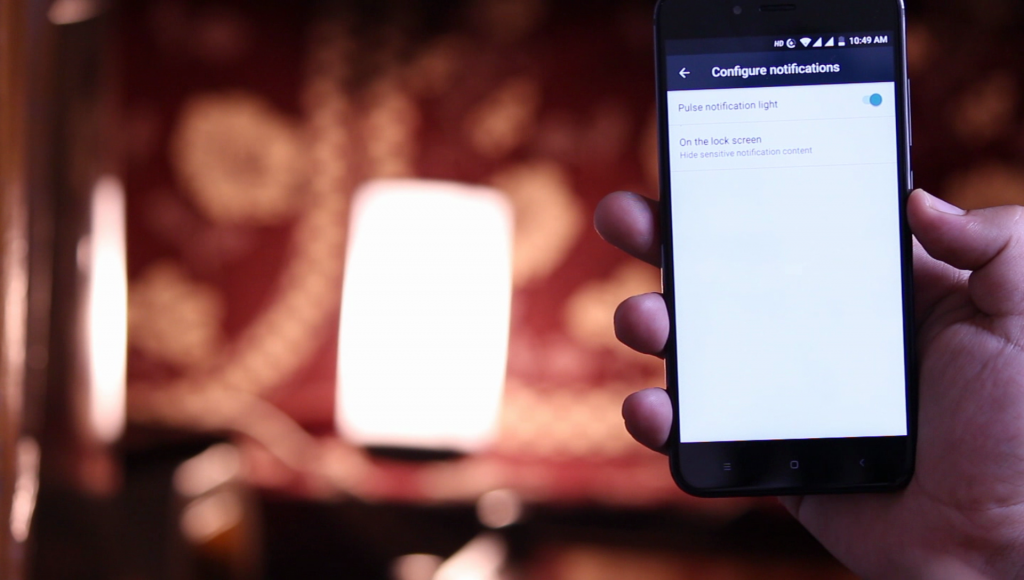
Mi A1 has pulse notification LED. Go to settings<Notifications< Tap on settings. Turn on/off the notification light.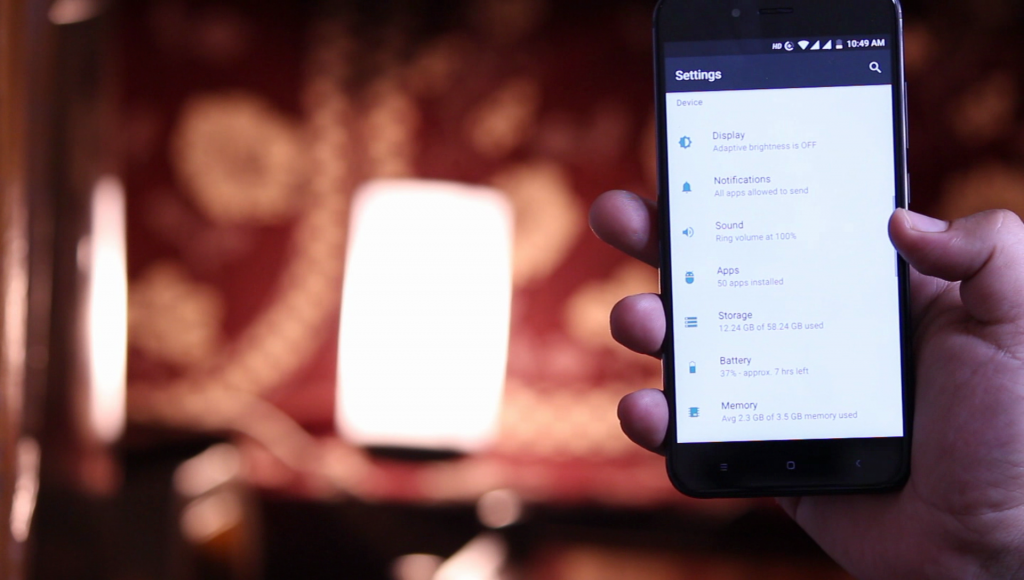
Open the quick tiles and tap on edit icon, drag and drop the settings according to your liking. In this way, you can edit the quick tiles.
Also Check: New Rupee Symbol Font
9.System UI Tuner
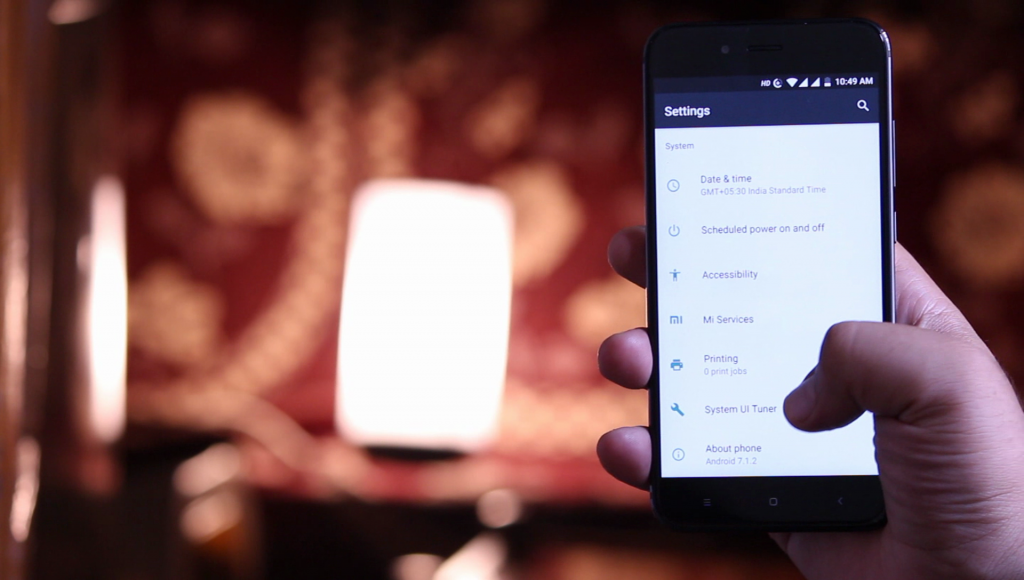 To open the System UI tuner, long press the settings icon and it will enable the System UI tuner. Go to settings and here at the bottom, you find the system UI tuner. You can do many tweaks with system UI tuner.
Also Check:
WhatsApp Conference Calls
How to unlock Bootloader of Mi A1
10.OTG Support
The phone has OTG support but you need a USB type C Mini Pendrives or USB type c OTG Cable to connect your Pendrives.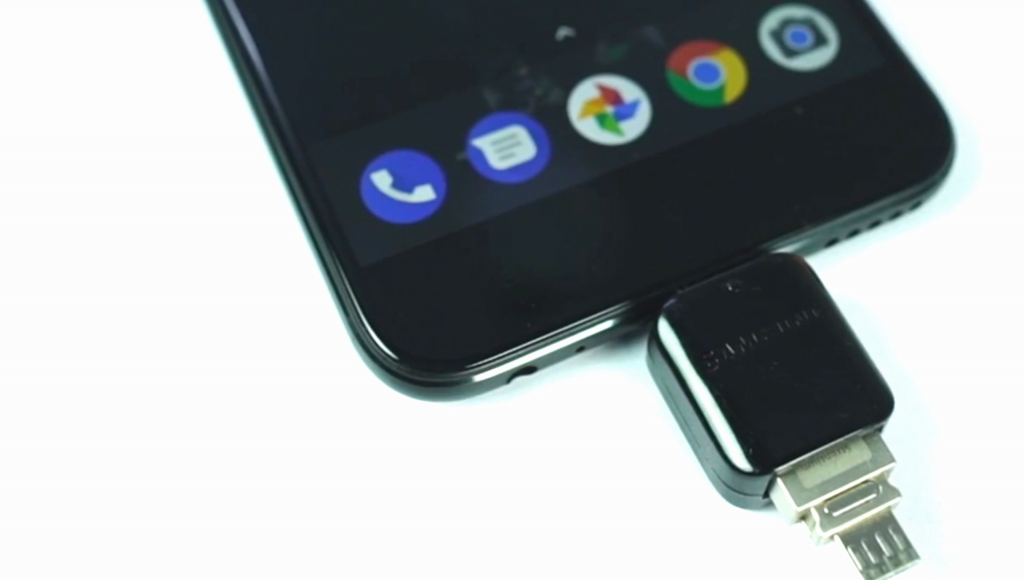
Video on Tips & Tricks(Hidden features) of Mi A1
Final Verdict:
These were some of the Tips & Tricks with the Xiaomi Mi A1. If I have missed any feature or any trick of Mi A1 then let me know in the comments. I will surely include it here.
earbuds says
Excellent post. I used to be checking constantly this weblog and I am inspired!
Very helpful information specifically the remaining section 🙂
I handle such information a lot. I was seeking this particular info for a
long time. Thanks and best of luck.
Steam Cleaners says
It’s going to be end of mine day, except before ending I am reading this enormous paragraph to increase my
knowledge.
Arnette says
Cool blog! Is your theme custom made or did you download it
from somewhere? A design like yours with a few simple tweeks would really make my blog stand out.
Please let me know where you got your design. Many thanks
Simraan says
It is a genesis eleven 40 pro theme with some customizations.