Download, Flash or Install Custom Recovery TWRP in MIUI 9: Xiaomi has provided the latest MIUI 9 for most of its phone. In this article, you shall learn how to install the Custom Recovery TWRP on any Xiaomi Phone running MIUI 9.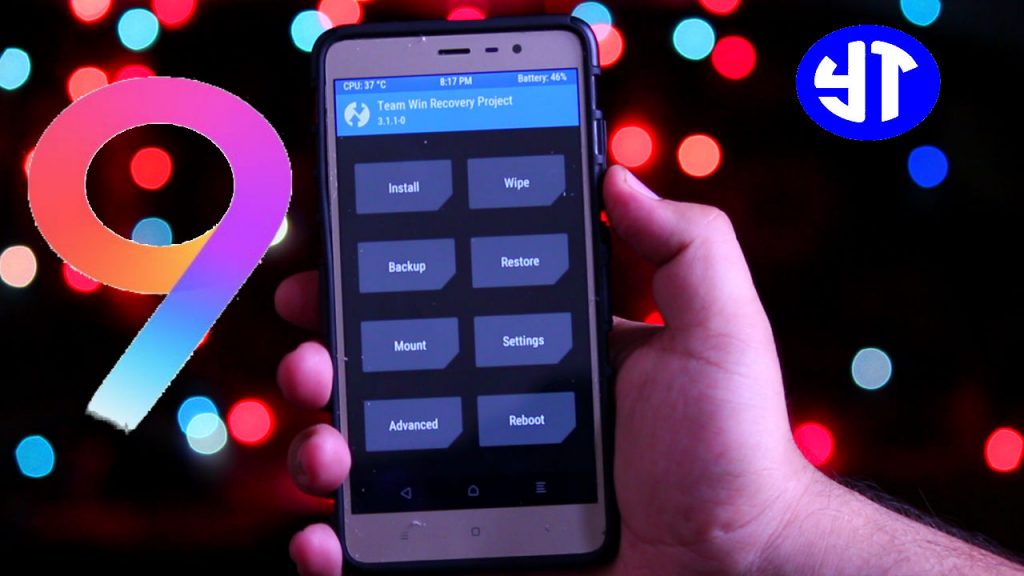
This method will work on any MIUI 9. It can be android marshmallow or android nougat.
Table of Contents
Mandatory Requirements:
The bootloader of your Xiaomi Phone should be unlocked. Without unlocking the bootloader, you cannot proceed further to install the TWRP on MIUI 9. Hence, it is mandatory to unlock the bootloader before installing the TWRP custom recovery.
Also Check: How to Install TWRP and Root Billion Capture Plus
Things you need to flash TWRP:
- Your Xiaomi Phone running MIUI 9.
- A USB Cable
- Windows Computer
Also Check: Floating Window for Xiaomi
Download TWRP in MIUI 9(Works on any Xiaomi)
- The first step is to enable the USB debugging on your Xiaomi Phone running MIUI 9. To do so, go settings. At the top, you will see My Device. Tap on the MIUI version for 7 times.
- Go to Settings again. Now click on Additional Settings. Scroll down to developers option and select USB debugging and enable it.
- Connect your Xiaomi Phone to the computer.
- On your computer, download the ZIP file from the downloads area of this page.
- Extract the zip file and open it.
- Press SHIFT and right click on your mouse. Select Open Command Window Here.
- A black screen will appear on your screen.
Also Check: Virtual Apps for Xiaomi - First, you need to type “adb devices“. It will show the list of Xiaomi Phone connected to the computer.
- Now type “adb reboot bootloader“. Your Xiaomi Phone will be booted into the fastboot mode.
- Now type “fastboot flash recovery twrp.img“. It will flash the TWRP recovery on your Xiaomi Phone running MIUI 9.
- To boot into the TWRP mode, type “fastboot boot twrp.img”. Your Xiaomi Phone will be taken into the TWRP.
- In this way, you can easily flash the custom recovery TWRP on your Xiaomi Phone running MIUI 9.
Also Check: WhatsApp Conference Call
Video Tutorial:
Also Check: Hide Apps on Android
Downloads:
ZIP file(TWRP for MIUI 9)
Also Check:
- Android Oreo Virtual Box
- New Rupee Symbol Font
- MIUI 9 GIF Wallpaper
- How To Know Who Checked Your Facebook Profile [100% Working]
Final Verdict:
This was the quick tutorial to install the TWRP on any Xiaomi Phone running MIUI 9. If you find any problem to download TWRP for MIUI 9 then please let me know your issue in the comments section. I will help you with the best possible solution.
ecucu says
Show me how root xiaomi mi3 miui 9